Installation
Three steps: upload the files, run the installer, play. No database and no build tools are needed.
1. Requirements
| Requirement | Notes |
|---|---|
| PHP 7.4 – 8.3 | Tested up to PHP 8.3. |
Extensions: session, json | Required (enabled by default on almost all hosts). |
Extension: mbstring | Recommended (accurate chat length limiting). |
Writable data/ folder | Game state is written here as JSON. Needs write permission. |
| ~50 MB disk | Avatars, flags, sounds and the JSON state. |
| SSL certificate | Optional but recommended; set POKER_HTTPS_ONLY = true in production. |
Apache with .htaccess | The bundled .htaccess files protect data/ and config.php. |
2. Upload the files
Upload the contents of the Source/ folder to your host (typically the web root or a
sub-folder) using any FTP client. Do NOT upload the Documentation/ folder,
README.txt or LICENSE.txt — those are reference files only.
- Open your FTP client (e.g. FileZilla) and connect with the credentials from your host.
- Open the target directory on the server (e.g.
/public_html/or/poker/). - Enter the local
Source/folder and upload its contents (not the folder itself) to the server. - Make sure the hidden files
.htaccess(root) anddata/.htaccesswere uploaded (enable "Show hidden files" in your FTP client).
3. Run the installer
Open https://your-site.com/setup.php in a browser. Setup has two steps.
Step 1 — Requirements + Install
Every line shows ✓ or ✗. Fix any ✗ (the page tells you what is missing) and reload. When all checks
pass, click Install. This writes config.php, creates the data/
sub-folders and writes the data/.installed marker.
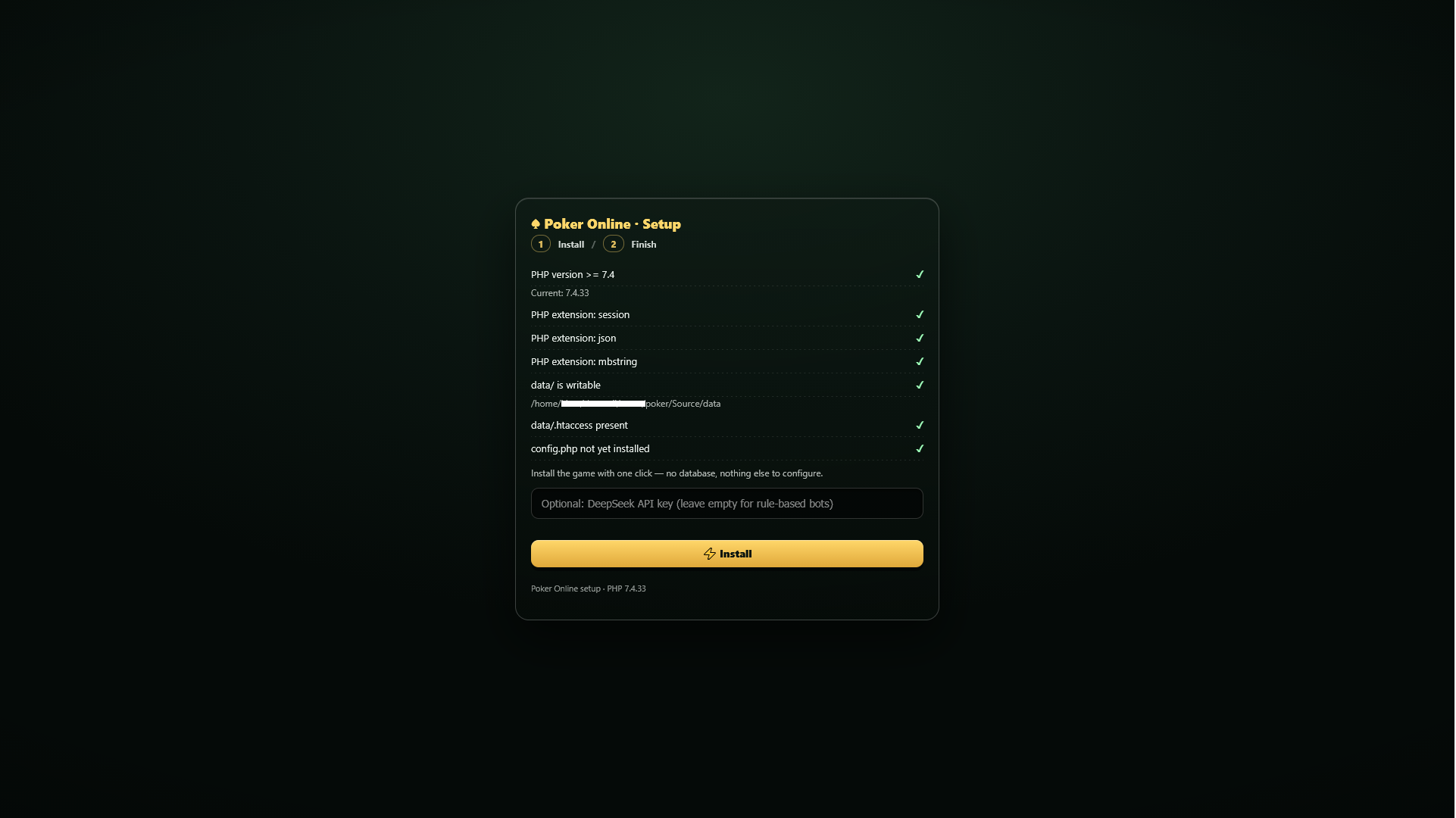
Step 2 — Finish
Click Delete setup.php now to remove the setup file in one click, then click
Open the game. The same panel also offers an Uninstall everything button — type
UNINSTALL to confirm — which wipes all player data and config.php if you ever
need a clean slate.
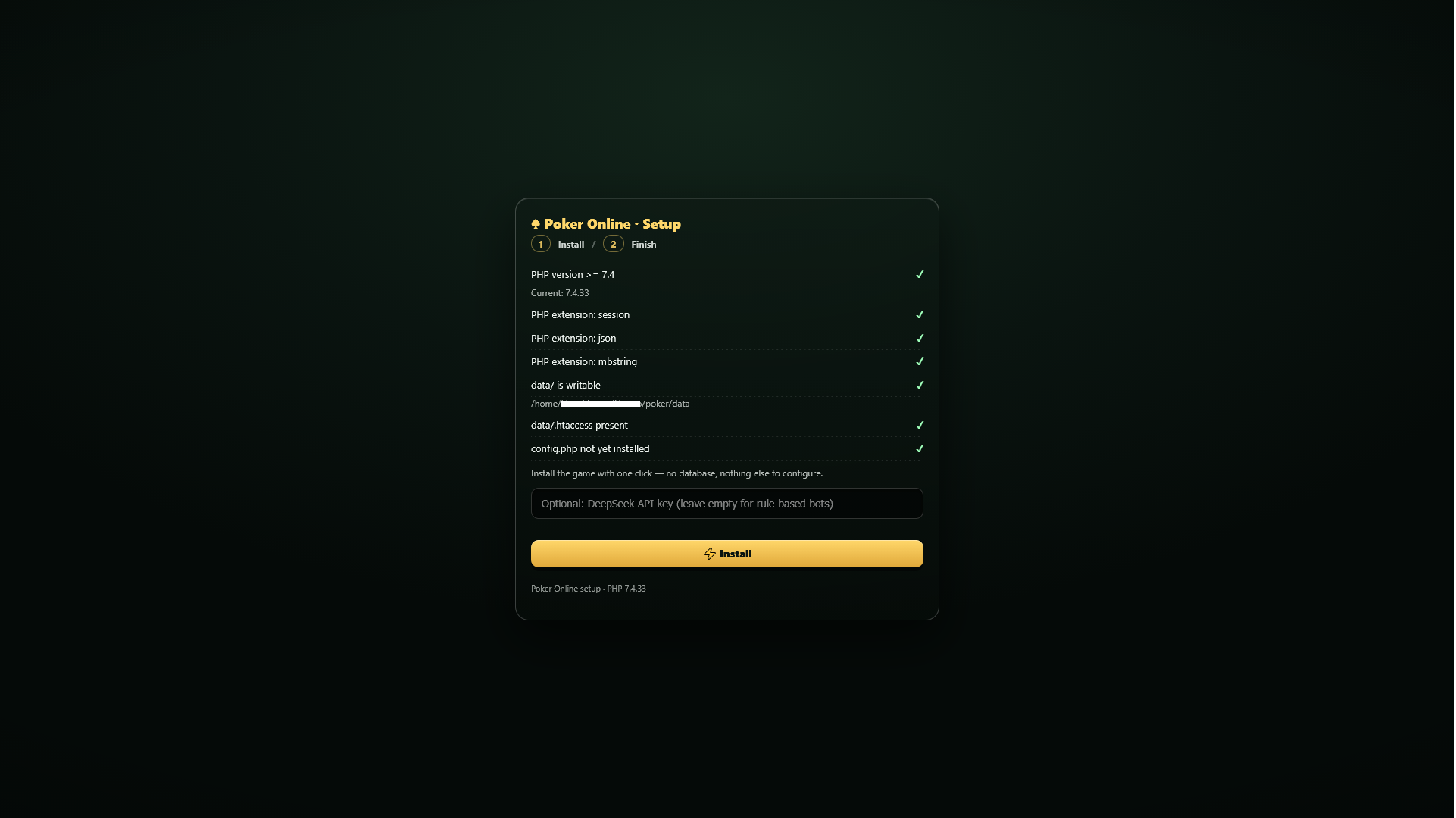
setup.php after setup. Until you do,
anyone can open it from a browser. The cleanup button in Step 2 removes it.4. Linux permissions (optional)
On most hosts the default permissions work. If the requirements check fails on data/:
chmod 755 data
chmod -R 755 data
chmod 644 config.php
Some hosts require 775 or 777 for data/ instead.
5. Verify
- Open
index.php— the table should render. - Register a test account and sit down.
- Add a bot and play one hand.
- Try to open
https://your-site.com/data/users.json— it must return 403 Forbidden. - Try to open
https://your-site.com/config.php— it must also return 403.
poker_session cookie must appear after the first page load.
If it does not, see the Troubleshooting page.